HOWTO Load Non-Standard Foundry Projects
This guide is for Foundry / Solidity projects. For ZK circuits, Rust or Go codebases, backends, and other languages, see Prepare any codebase for audit.
The fastest way to load a GitHub project into Savant Chat is to download the repository as a ZIP archive and upload it.
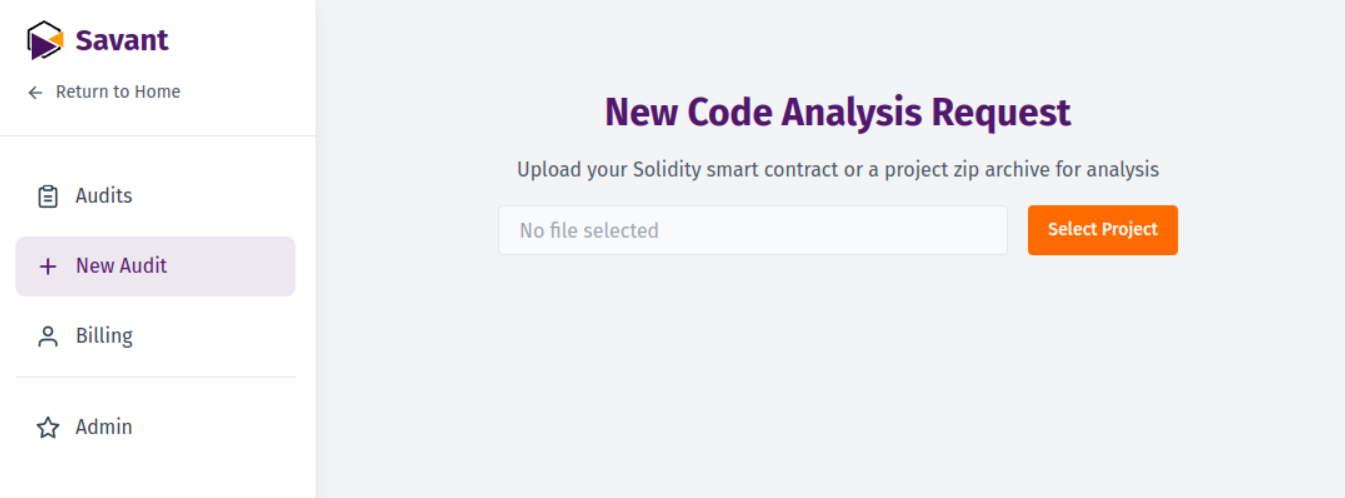
In most cases, that's all it takes.
Some repositories need more: non-standard dependency managers, outdated compiler versions, closed-source libraries — or git submodules, which GitHub's ZIP export leaves empty and which Foundry needs in order to build.
For those projects, a few extra steps. First, clone the project locally and install all its dependencies — both Node.js and Foundry packages, if the project uses them.
Then save the following script as savant-build.sh in the root folder of your project:
#!/bin/bash

if command -v realpath >/dev/null 2>&1; then
    DIR_NAME=$(basename "$(dirname "$(realpath "$0")")")
else
    DIR_NAME=$(basename "$(cd "$(dirname "$0")" && pwd)")
fi
TARGET_DIR="$DIR_NAME-savant"

if [ -d "$TARGET_DIR" ]; then
    echo "The $TARGET_DIR directory already exists."
    read -p "Do you want to delete $TARGET_DIR and $TARGET_DIR.zip and create an empty directory? (y/n): " answer
    if [ "$answer" = "y" ] || [ "$answer" = "Y" ]; then
        rm -rf "$TARGET_DIR"
        [ -f "$TARGET_DIR.zip" ] && rm "$TARGET_DIR.zip"
        mkdir "$TARGET_DIR"
    else
        echo "Operation cancelled."
        exit 0
    fi
else
    mkdir "$TARGET_DIR"
fi

find . -name "*.sol" -not -path "./$TARGET_DIR/*" | while read file; do
    target_dir="$TARGET_DIR/$(dirname "$file")"
    mkdir -p "$target_dir"
    cp "$file" "$target_dir/"
done

find . \( -name "*.md" -o -name "*.txt" \) -not -path "./$TARGET_DIR/*" -not -path "./node_modules/*" -not -path "./lib/*" | while read file; do
    target_dir="$TARGET_DIR/$(dirname "$file")"
    mkdir -p "$target_dir"
    cp "$file" "$target_dir/"
done

if [ -f "./foundry.toml" ]; then
    touch "$TARGET_DIR/.foundry"
fi

if command -v zip &> /dev/null; then
    ARCHIVE="$TARGET_DIR.zip"
    rm -f "$ARCHIVE"
    zip -r "$ARCHIVE" "$TARGET_DIR"
elif command -v tar &> /dev/null; then
    ARCHIVE="$TARGET_DIR.tar.gz"
    tar -czf "$ARCHIVE" "$TARGET_DIR"
else
    echo "ERROR: Neither zip nor tar utilities were found for archiving."
    exit 1
fi

echo "Done! The $TARGET_DIR directory has been created and archived as $ARCHIVE"
To use the script:
- Save it as
savant-build.sh - Make it executable with:
chmod +x savant-build.sh - Run it with:
./savant-build.sh
You'll get a your-project-name-savant.zip archive (or .tar.gz if zip isn't installed) in your project folder with all dependencies included. Upload it to Savant Chat and run the audit.
If your Foundry project keeps dependencies in a non-standard path (anything other than lib/), rename that directory to lib and update remappings.txt before running the script.